Appearance
Exercise 0: Setup Your Salesforce Org
To get started with this workshop, complete these steps to request a Workshop environment for these Hands-On Exercises.
Step 1: Request a Workshop Environment
- Go here to access the signup form for this Workshop:
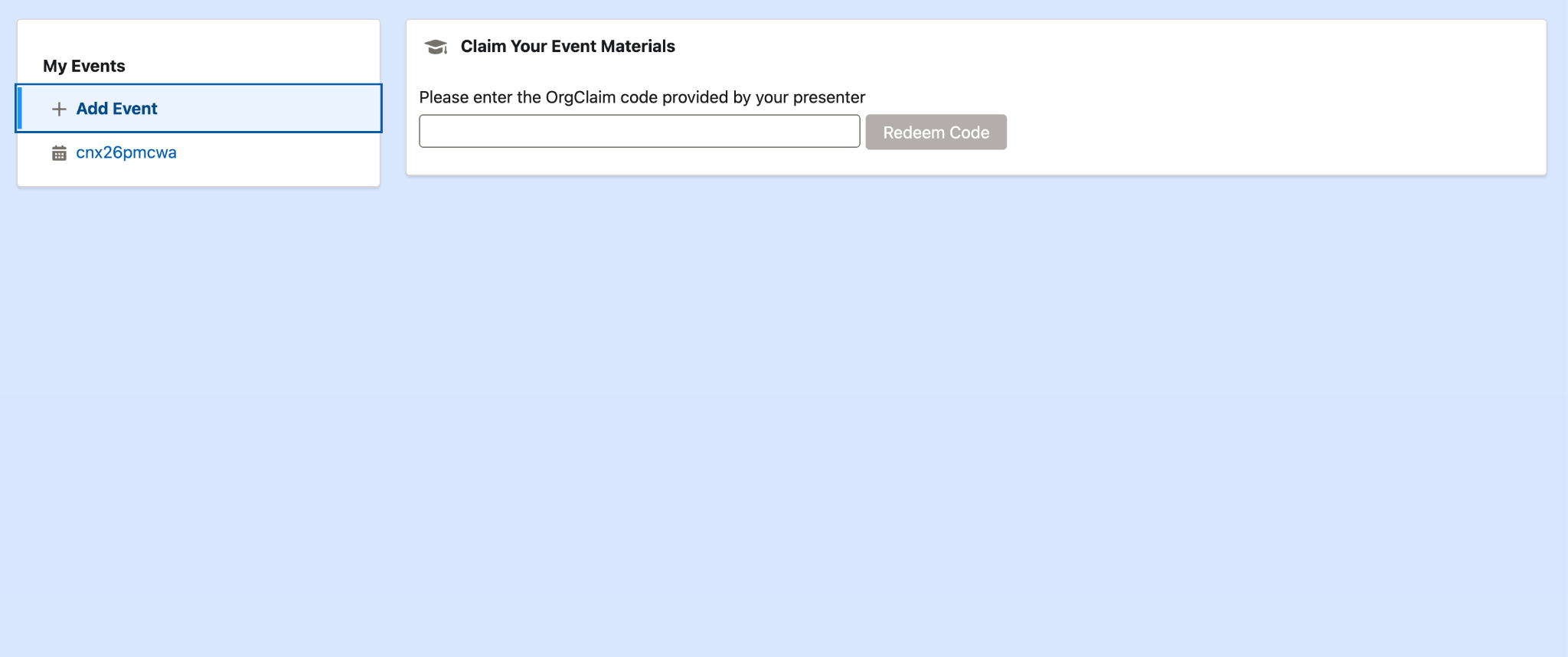
- Complete the form, including the provided Event Code Click Submit.
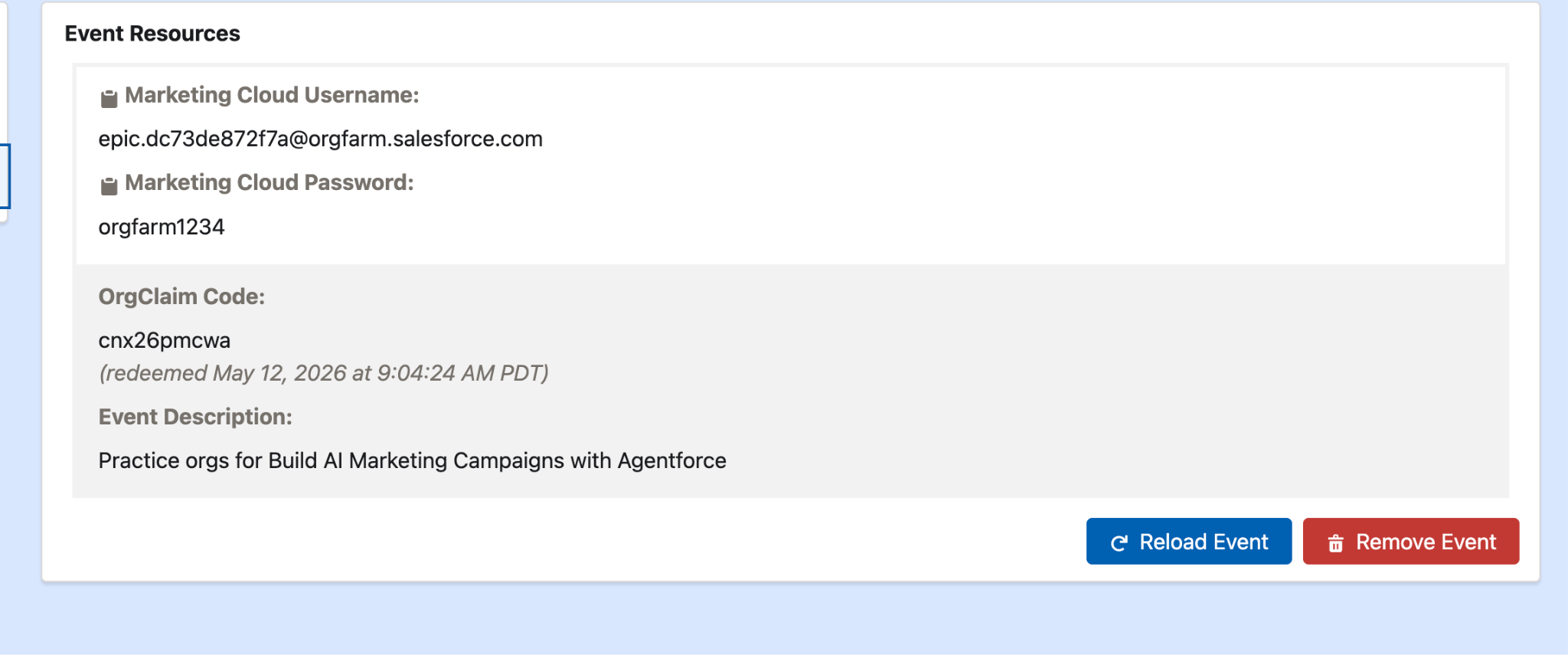
- You will see a new window with a username and password to login to your salesforce org. Go to login.salesforce.com and enter this username and password.