Appearance
Exercise 6: Marketing Activation
Activation is the process that materializes and publishes a segment to Activation Platforms, including Salesforce marketing applications, Loyalty or other external platforms. Today we will be activating a segment to Marketing Cloud Advanced, Salesforce’s latest Marketing application built on top of Data Cloud.
**NOTE: If Agentforce returns an error after any step in this exercise please repeat the process but type in “confirm” rather than clicking on the confirm button **
Use the app launcher to navigate to the Marketing app.
Note: The app is named Marketing and NOT Marketing CRM Classic
Go to the Campaigns tab**.**
Click on the Agent Astro icon from the top navigation bar.
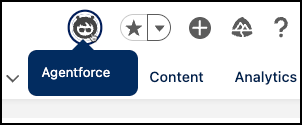
Ask the agent to create a new marketing campaign using the following prompt:
Create a marketing campaign to encourage freemium edition users to upgrade to the team edition product.
**```**
Agentforce will create a brief and ask you to confirm if you’d like to create a marketing campaign. Click on “Confirm”.
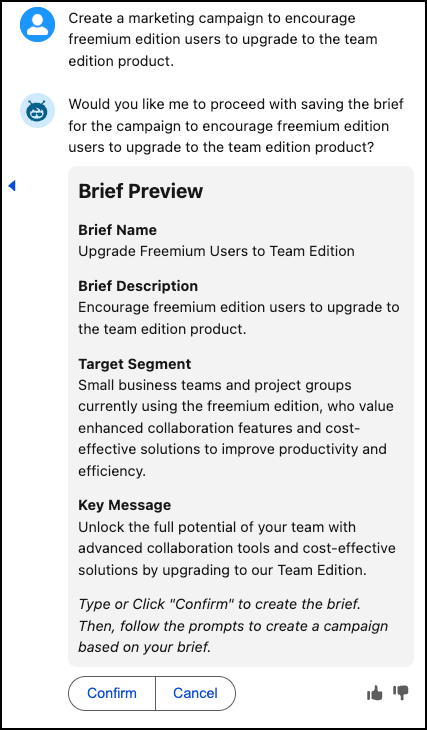
Agentforce will ask if you’d like to save the marketing campaign. Once again, click on “Confirm”.
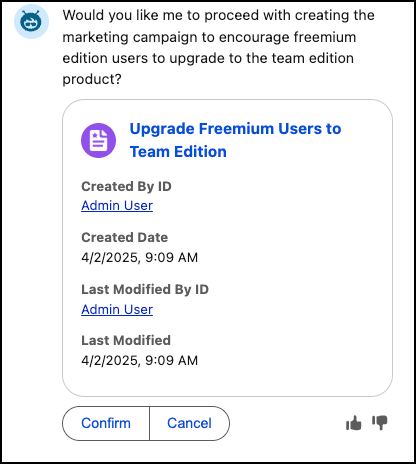
You may be asked one final time to review the campaign, if so, click on “Confirm” one more time.
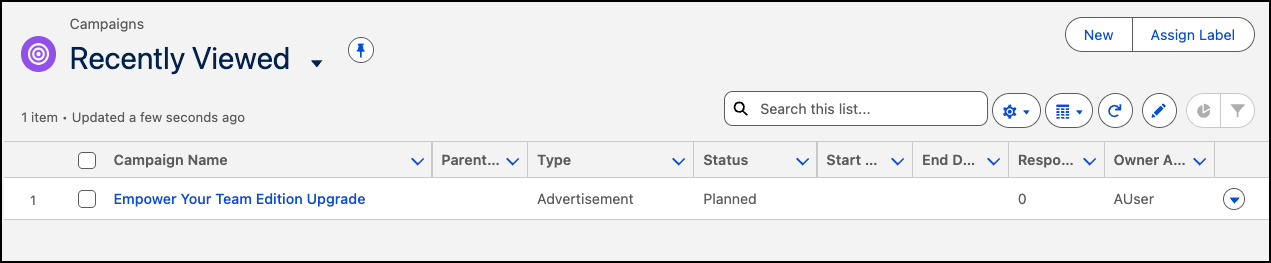
Go to the Campaigns tab and select the campaign our agent created for us in the prior step.
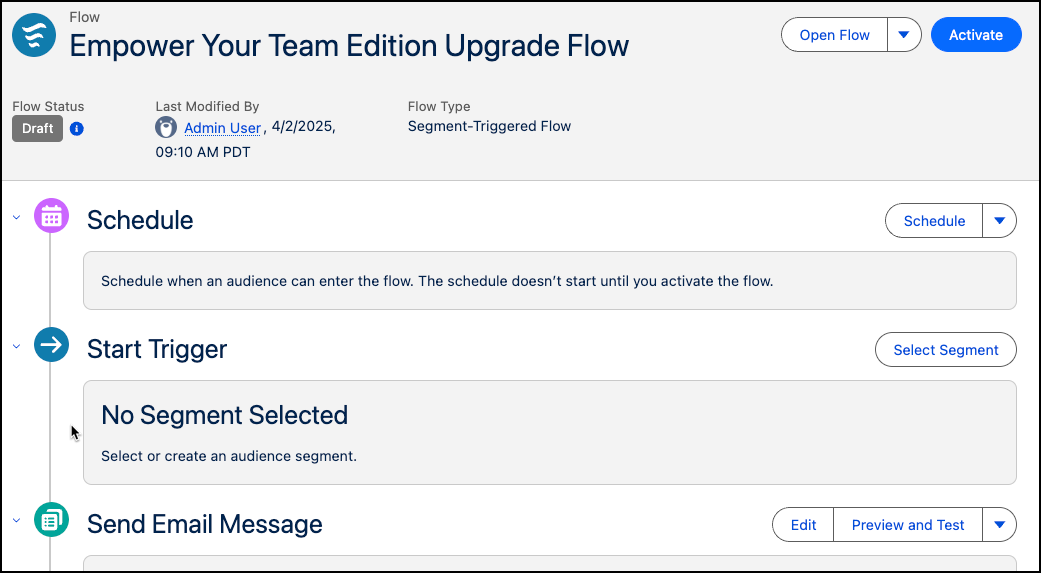
In the Start Trigger section, click Select Segment.
Choose Select an Existing Segment and click Next.
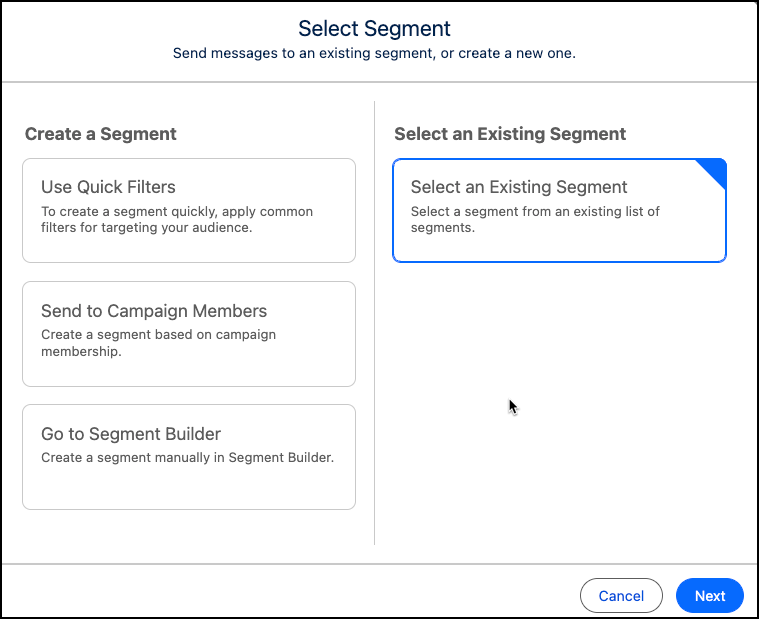
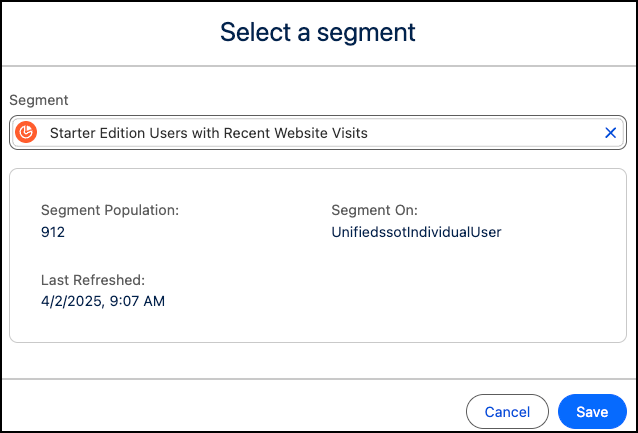
Finally, select the segment we created in the previous exercise and Save.
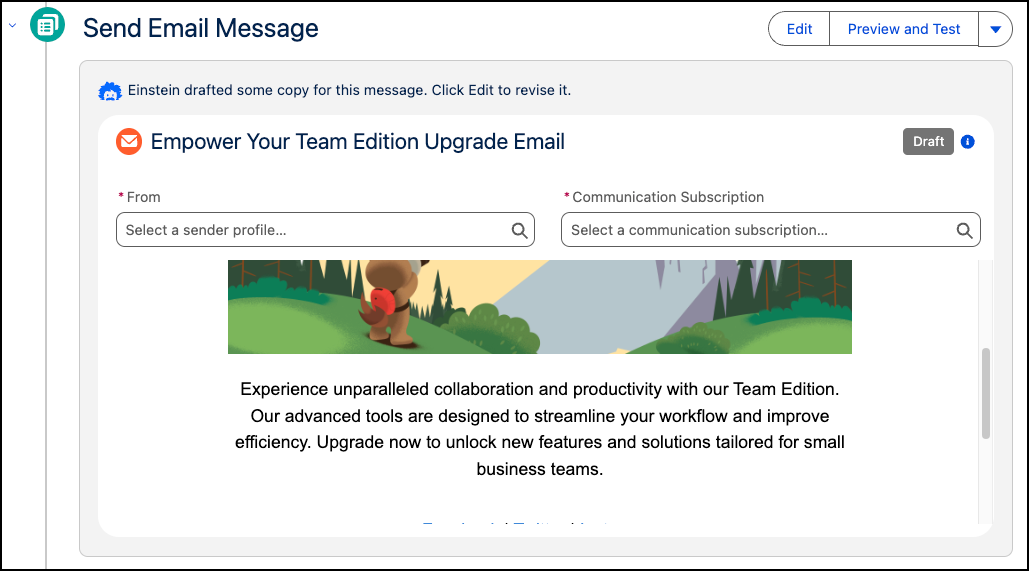
Back on the Campaign screen, observe that Einstein has taken an initial pass on generating content for our email message.
This concludes Exercise 6.
Congratulations!
You have just learned how to set up data in Data Cloud, gain insights from your data, segment into targeted audiences, and activate those audiences.
Where Do I Go From Here?
There are many courses online to get you up to speed. Check out Trailhead as a next step!